





なぜTITANIUMアプリなのか
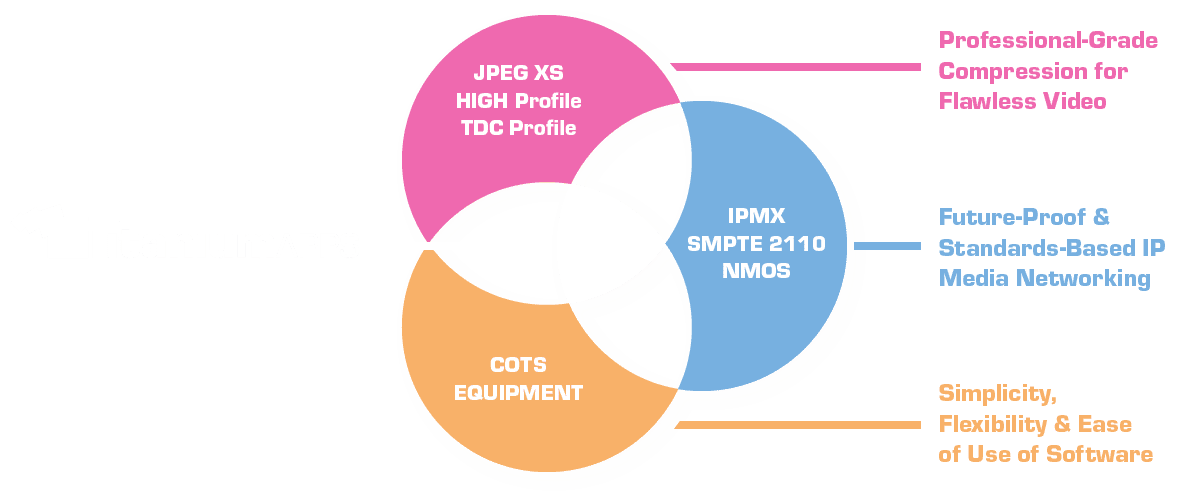
3つのイノベーション、1つのソフトウェアスイート
専門的なハードウェアを必要とせず、あらゆるAVや放送のプロフェッショナルがSMPTE 2110 およびIPMXを利用できるように、一から構築されました。



スイートの連携方法
1つのIPネットワーク。3つの互いに補完し合うアプリ。
各アプリにはそれぞれ独自の役割があります。個別に利用することも、組み合わせてエンドツーエンドのワークフローを構築することも可能です。

TitaniumShow
IP source / sender
IP NETWORK
SMPTE / IPMX
1GbE標準スイッチ
1GbE標準スイッチ
TitaniumViewer
IP receiver / monitor
TitaniumDisplay
HDMI搭載のIPディスプレイエンドポイント(SDMまたはNUC)
TitaniumShow + TitaniumViewerは、どちらも14日間の無料トライアル、2台の標準的なノートパソコンで送受信の全機能を試すことができます。
The APPS
Choose the app and COTS that fit your role
Sender · Source
TitaniumShow
Cast your windows screen over SMPTE 2110 or IPMX instantly. Supports multi-screen output and NMOS registration.
Stream your Display or Virtual Screens – in a single click
Any Resolution, any Format – ideal for Broadcast and Pro-AV
オーディオとビデオのテストパターンを生成
Easy Setup and Control with NMOS. Plus powerful Options
Receiver · Monitor
TitaniumViewer
Receive and monitor up to 4x FHD or 1 4K60 streams on any Windows workstation.
Subscribe to one or multiple AV streams, in a single click with NMOS
Any Resolution, any Format – no delay, instant display
Overlays for real-time network statistics, right on screen
Effortless setup, advanced capabilities with built-in NMOS panel
TWO-WAY BRIDGE
TitaniumLink
Receive IP streams as virtual camera/audio in any tool, and send tool output back to the network as ST 2110 / IPMX.
In-and-Outs: network input and output to your applications
Suitable for many use-cases: Conferencing, Production, VJing…
True COTS approach: no need for capture cards / USB bridge
Effortless setup, advanced capabilities with built-in NMOS panel

エンドポイントの表示 · Intel SDMまたは NUC PC
TitaniumDisplay
Turn Intel® SDM-ready displays or regular displays into native IPMX / ST2110 endpoints. COTS-based hardware receiver.